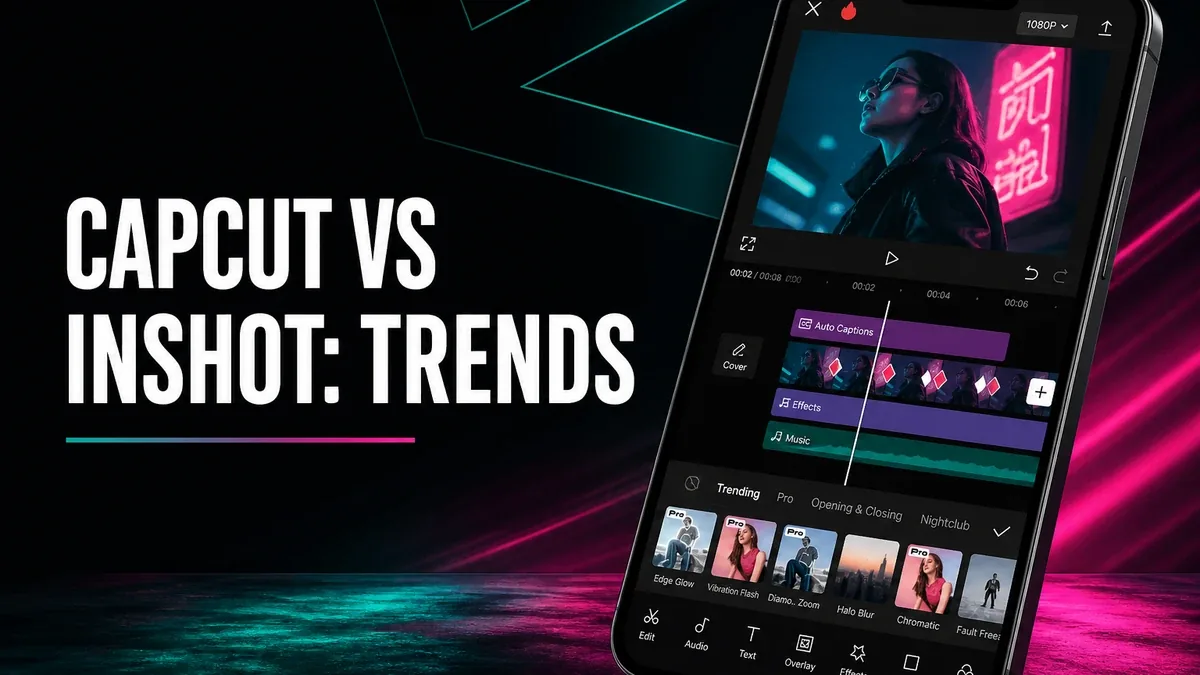
Fast trim-and-text editors win when the post only needs packaging. CapCut wins when the unfinished job is trend production: auto captions, effect stacks, multi-track layers, and exports that still look sharp after TikTok compression.
Download CapCut MOD APK - Premium Unlocked
CapCut · Video Editor · Auto Captions · Effects · Android 2026
The Real Split Is Trend Production vs Post Packaging
InShot-style tools finish social geometry fast: crop for Stories, stick text, slap music, export. That is packaging. CapCut still packages, but its denser surface is trend production — speech-to-caption runs, effect and sticker stacks updated with the feed, multi-track cuts, and higher export caps such as 4K/60fps when you need clean masters.
The core thesis of this article is simple: CapCut is better when the job is building short videos with captions, effects, and multi-clip structure that match trend formats, while lighter tools like InShot remain better when you only need a one-pass social package. The core trade is production depth against a denser timeline that costs more setup time than a pure status editor.
When Auto Captions and Effect Stacks Are Not Optional
A concrete CapCut job: film a talking-head clip, run auto captions, tweak three wrong words, add a trend sound, drop one motion effect on the hook, export under 60 seconds for Reels. That flow is heavier than InShot packing, but it is the batch of tools creators actually search after a template fails.
A second job: three B-roll clips + VO on multi-track, speed ramps on the middle cut, captions burned in, try 1080p export first then 4K master for reupload. Packaging apps finish one ratio quickly; CapCut finishes structured short-form edits that still need layers.
Prior comparisons for posting speed vs timeline depth between InShot and VN already map simple social shells versus serious mobile NLE feel. CapCut sits on the trend-production side of that map: effects library and caption automation share the stage with timeline cuts. See InShot vs VN when posting speed matters.
What CapCut Actually Does Better
CapCut MOD APK is the right pick when auto captions, trend effects, multi-track arrangement, and premium export options (including watermark-free high-res paths on unlocked builds) are the unfinished production stack.
What you gain: stronger short-form production tools — captions, effects, layers, and cleaner masters after heavy edits.
What you lose: start speed. Menus and assets can take longer than a trim-export-status workflow for a two-clip post.
CapCut is strongest for weekly content that needs captions and effects. It is weaker when every project is a 20-second mute crop with two stickers.
Best For, Not Ideal For
CapCut is best for: creators building Reels/TikTok-style videos that need captions, effects, multi-clip pacing, and higher-quality exports.
InShot is better when: one-pass social packaging is enough and density only slows the post. See the comparison above.
VN is better when: you want cleaner timeline seriousness without CapCut’s effect-first surface density.
Not ideal for CapCut: users who only crop and export once a month and never touch captions or effects.
Biggest cost: setup weight. The unit of cost is minutes spent inside assets before first export, not the label “Pro Unlocked” alone.
Before You Choose CapCut
Before choosing CapCut, list the last three videos you exported. If two of them needed captions or effects packs, CapCut fits. If all three were mute crops, stay packaging-first.
If the clip itself looks soft and faces need AI repair before any timeline, see Wink or photo restoration first. For install friction, keep the APK parsing error fix and the MOD APK safety guide nearby.
Our Honest Recommendation
Choose CapCut when trend production tools are the real bottlenecks. Choose lighter editors when packaging speed is the whole job.
In short: CapCut is better for captions, effects, and multi-clip short videos. Packaging shells are better for one-pass social posts.
How to Download CapCut MOD APK
Since the modded version is not available on the Google Play Store, you need to install it manually. Follow these steps:
- Enable Unknown Sources: Open Android settings, go to "Security" or "Apps," and enable "Install from Unknown Sources."
- Download the APK: Use the app page link to get the latest CapCut MOD APK version.
- Remove Conflicting Versions: Uninstall the official CapCut build first if installation fails due to signature conflict.
- Install the APK: Tap the downloaded file and complete installation.
- Judge It by Production Jobs: Export one real talking-head with auto captions plus one trend effect. If you never needed either, you overbought density.
CapCut earns space if captions and effects show up in your weekly posts. Empty projects that only trim were always packaging jobs.
FAQ
Is CapCut better than InShot?
For captions, effects stacks, and multi-clip production, often yes. For pure social packaging speed, InShot can still be enough.
Who should use CapCut?
Creators who regularly need auto captions, trend effects, layered clips, and higher-quality mobile exports.
When is CapCut the wrong choice?
When every job is a mute crop with text, or when source quality is so weak that AI video repair should come first.
What is the biggest trade-off with CapCut?
You gain stronger production tools, but you pay in setup weight compared with simpler posting shells.
If short videos need captions and effects — not only a ratio crop — CapCut is one of the clearer high-demand Android production apps.