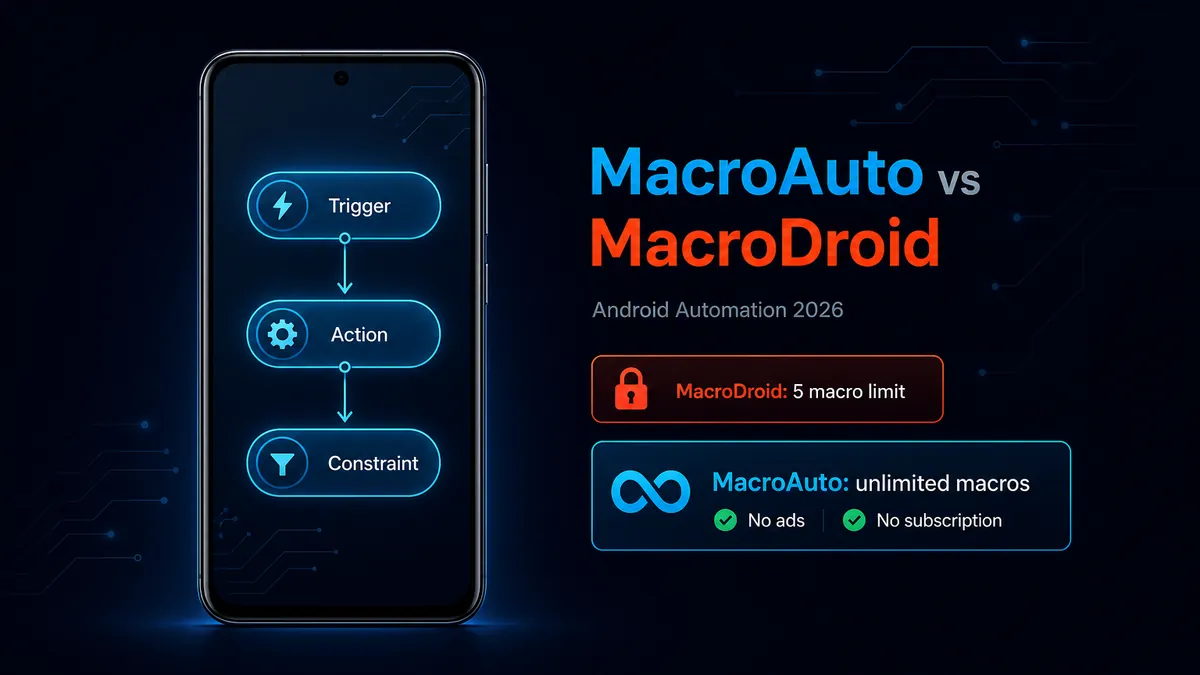
Want Android automation without the 5-macro ceiling? MacroAuto gives you unlimited macros, no ads, and a clean trigger-action-constraint workflow for free.
Download MacroAuto - Free Automation APK
Tools category · Unlimited macros · No ads · No subscription
People search for MacroAuto vs MacroDroid for a practical reason: they want Android automation, but they do not want to stop after five macros or pay before they know how far automation will fit into their daily routine. The question is not only which app has more buttons. It is which app lets you build the automations you actually need.
MacroDroid is mature and widely known. MacroAuto is the better free choice for most users because it removes the main friction points: macro limits, ads, and paywall pressure. Here is the comparison by real Android scenarios.
1
Scenario 1: You Are Building Your First Automations
▼
A beginner usually starts small: silence the phone at work, turn on Wi-Fi at home, launch music when Bluetooth connects, lower brightness at night, or show a reminder when battery drops. These are not advanced workflows. They are the first five ideas most Android users try.
That is exactly where a hard free-tier limit becomes visible. If your first test list already reaches five macros, automation stops feeling like a habit and starts feeling like a trial. You begin deleting useful macros just to test new ones.
Better fit: MacroAuto. It lets beginners experiment freely. You can keep every small automation that works, add new ones, and learn the trigger-action-constraint model without counting slots.
2
Scenario 2: You Hit MacroDroid's 5 Macro Limit
▼
The 5 macro limit is the main reason many users search for a MacroDroid alternative or a MacroDroid mod APK. It is not that five automations are useless. It is that Android automation becomes valuable only after several small rules work together.
For example, a normal setup can include separate macros for work mode, sleep mode, car Bluetooth, low battery, hotspot sharing, headphone volume, morning routine, and app-specific notifications. None of these is extreme. Together, they quickly pass five.
Better fit: MacroAuto. If your main pain point is the free macro cap, MacroAuto solves it directly with unlimited macros and no Pro upgrade requirement.
3
Scenario 3: You Need Background Triggers You Can Trust
▼
Good automation is mostly invisible. A Wi-Fi rule should fire when you arrive home. A Bluetooth rule should start when your earbuds connect. A time rule should run without opening the app. This depends not only on the app, but also on Android battery settings, notification access, accessibility access, and manufacturer background limits.
MacroDroid has years of maturity here and a large user base, which means many device-specific issues have community answers. MacroAuto's advantage is that its free experience does not interrupt the setup process with ads or macro-count decisions, so you can focus on permissions and conditions.
Best approach: use MacroAuto if you want a clean free workflow; give either app the required Android permissions and exclude it from aggressive battery optimization for important background macros.
4
Scenario 4: You Want Templates vs You Want Control
▼
MacroDroid's biggest advantage is its established community and template culture. If you want to import pre-built macros and adjust them, MacroDroid still has value. Templates can help users understand how triggers, actions, and constraints fit together.
MacroAuto is better when you prefer building your own automations from scratch and keeping them all active. This is common for users who already know exactly what they want: "when this happens, do that, but only under these conditions."
Better fit: MacroDroid for template discovery; MacroAuto for unlimited custom workflows without ads or subscription pressure.
5
Scenario 5: You Are Becoming a Power User
▼
Power users do not usually build one giant macro. They build many smaller automations that are easier to debug: one for headphones, one for driving, one for work location, one for charging, one for a specific app, one for night mode. This style is cleaner, but it requires enough macro slots.
MacroAuto is more comfortable for this style because you do not need to compress unrelated behavior into fewer macros just to stay under a limit. You can name each automation clearly, disable one when testing, and keep your setup modular.
Better fit: MacroAuto. Unlimited macros are not only about quantity; they make your automation setup easier to organize.
Quick Comparison
| Need |
MacroAuto |
MacroDroid |
| Free macro count |
Unlimited |
5 macros on free tier |
| Ads |
No ads |
Ads on free tier |
| Best for beginners |
Experimenting without limits |
Learning through a mature template ecosystem |
| Best for power users |
Many modular custom macros |
Strong if you upgrade to Pro |
| Root required |
No for most everyday automations |
No for most everyday automations |
Verdict: Start With MacroAuto If You Want Automation Without Limits
MacroDroid is a respected Android automation app, and its template ecosystem is still useful. But if your main reason for comparing these apps is the free experience, MacroAuto is the clearer choice. It gives you unlimited macros, no ads, and the same core automation logic users expect: triggers, actions, and constraints.
Install MacroAuto first if you want to build several practical automations without paying or deleting old ones. Keep MacroDroid in mind if community templates are more important to you than the free macro limit.
FAQ: MacroAuto vs MacroDroid
Is MacroAuto better than MacroDroid?
MacroAuto is better for most users who want a free automation app with unlimited macros and no ads. MacroDroid is still strong if you value its mature template community or already use its Pro version.
What is the biggest difference between MacroAuto and MacroDroid?
The biggest difference is the free experience. MacroDroid's free version is limited to 5 macros and includes ads. MacroAuto is designed for unlimited automations without ads.
Does MacroAuto use triggers, actions, and constraints?
Yes. MacroAuto uses the same basic automation model: a trigger starts the macro, actions run the task, and constraints decide when the macro is allowed to run.
Should beginners use MacroAuto or MacroDroid?
Beginners who want to experiment freely should start with MacroAuto. Beginners who mainly want to import shared templates may prefer MacroDroid.
Does MacroAuto require root?
No. Most everyday MacroAuto automations work without root. Some advanced Android system actions may depend on your device permissions or Android version limits.
Related on MODDROID
Ready to build more than five automations? Get MacroAuto on MODDROID.
Get MacroAuto - Free APK on MODDROID